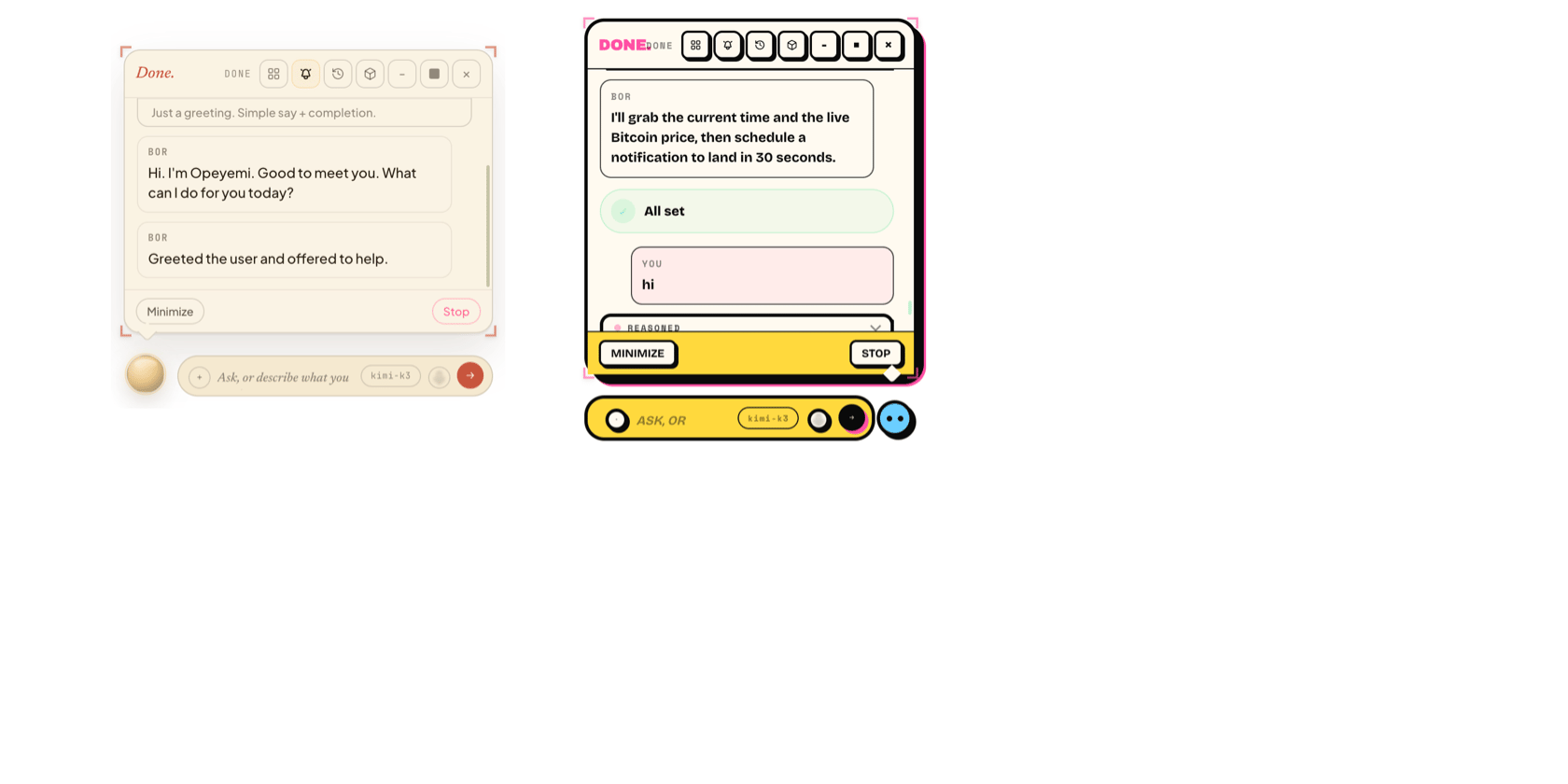
Multi-presence

BOR can run many presences at once — each a fully isolated companion with its own runtime, data root, port, config, provider, name, personality, theme, memory, and cron. They share nothing. One can be your “work” assistant on Claude; another your “home” assistant on Gemini, with different memory and a different look.

How isolation works

The v2 host launches one runtime process per presence:
  • A registry file, os-data/presences.json, lists every presence (id, nickname, data dir, port, anchor, bounds, onboarded).
  • Each presence’s data lives under os-data/presences/<id>/, and its runtime is spawned with BOR_DATA_DIR pointed there.
  • Each gets its own orb window, on its own port. There is no cross-talk.
The registry + per-presence spawning live in v2/host/presences.cjs and v2/host/main.cjs. Deleting a presence only ever removes a directory under os-data/presences/, guarded against deleting anything else.

The Main BOR app

There’s a Main BOR app (v2/host/main-app.*) — a window for managing presences: see them all, create, open, and delete. It’s also wrapped as ~/Applications/Bed of Roses.app so you can launch the whole thing from Finder or Spotlight.

Native app wrappers

Apps BOR builds are mirrored as .app wrappers in ~/Applications (via v2/host/native-apps.cjs), so a BOR-built “Meal Journal” is launchable from Finder/Spotlight like any Mac app. A registry at ~/.bed-of-roses/native-apps.json tracks which wrappers BOR created (so cleanup only ever touches BOR’s own). The host wrapper and app wrappers carry com.bedofroses.* bundle identifiers.

Managing presences (CLI)

The bor CLI manages presences headlessly:
bor onboard               # launch the host and create a new presence with onboarding
bor create [name]         # register a new presence (headless); prints its id
bor delete <presence_id>  # delete a presence + its data dir (headless)
bor list                  # list presences (alias: bor ls)
See Command line for details. bor delete removes the presence’s entire data directory.

When to use multiple presences

  • Separate contexts — work vs. personal, with different memory and tone.
  • Different providers — try Claude on one, Gemini on another, side by side.
  • Different looks — a pixel-CRT terminal presence and a liquid-glass presence at once.
  • Throwaway — spin one up to test something, delete it when done.

Resetting

  • Clear one presence’s generated projects: remove os-data/presences/<id>/.bor/.
  • Delete one presence entirely: bor delete <id> (removes its data dir).
  • Start completely fresh: remove os-data/, .bor/, .bed-of-roses/, the ~/Applications BOR wrappers, and ~/.bed-of-roses/. Everything regenerates on next launch.