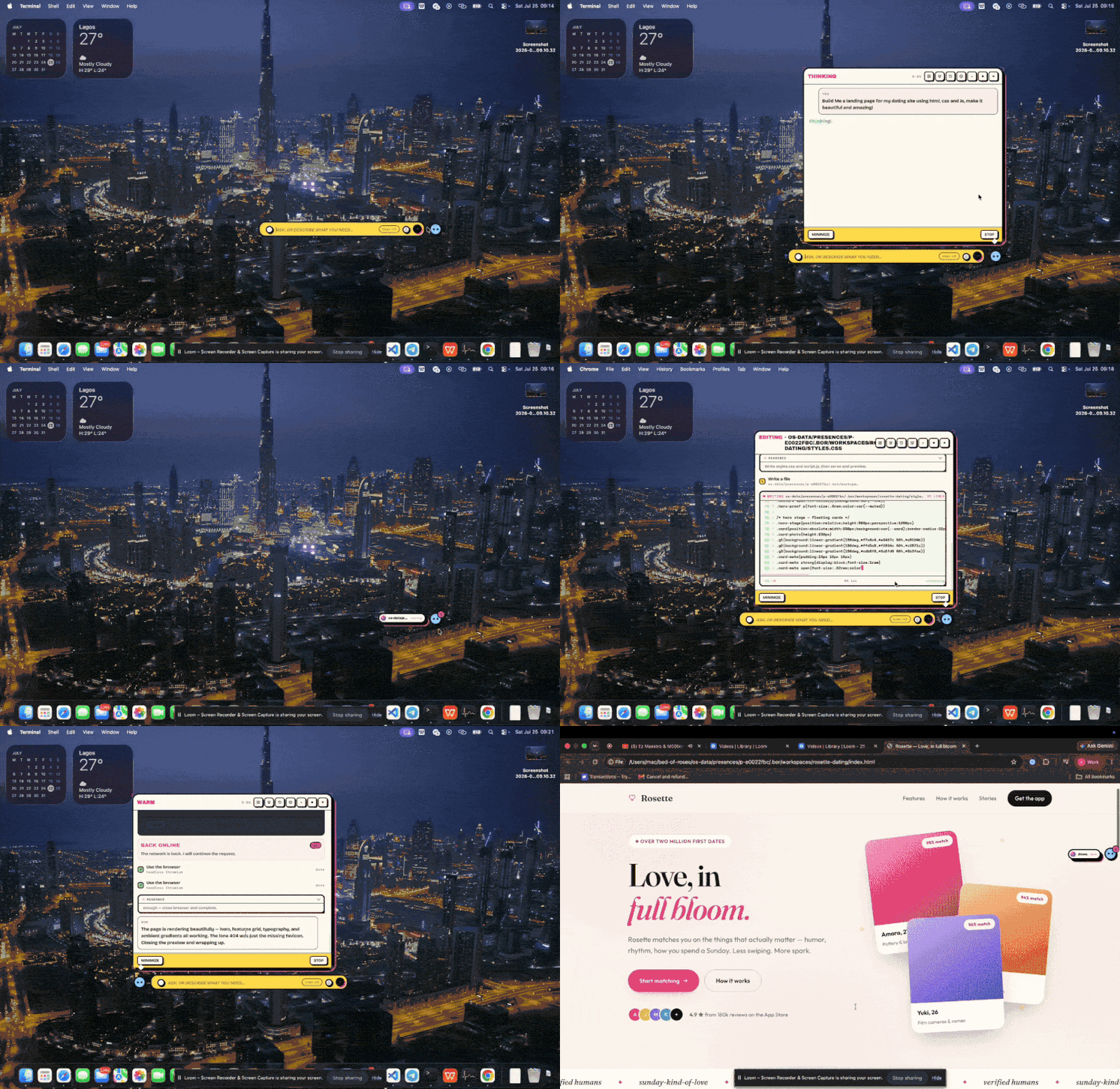
What a conversation can do
Every request can end in something real, not just text:- An app — “make me a calorie tracker” opens a native Mac window, built for you, saved forever. Building apps
- Action in your services — with Gmail, Calendar, Slack, Notion, GitHub and ~100 more connected, “reply to Sarah” uses the real Gmail, not a browser. Connectors
- Web work — BOR drives a real Chrome with its own profile: reads pages, fills forms, stays signed in, verifies results. Ambient browser
- File work — it reads PDF, Word, Excel, HEIC, and almost anything else; writes and edits files; every path it mentions clicks through to Finder. Files
- Mac control — screen capture, vision-guided clicks and typing, opening apps. Computer use
- Media — YouTube, TikTok, Instagram, tweets, and video play as cards inside the presence. Media
- Scheduled work — “every morning at 8…” runs real agent turns while you’re away and notifies you. Background tasks
- A new look — eight themes, generated wallpapers applied to your actual desktop. Themes
Yours, locally
- Your model. Anthropic, OpenAI, Google Gemini, or any OpenAI-compatible endpoint (DeepSeek, Kimi, Z.ai, Ollama presets) — or Bed of Roses credits with no key at all. Switch models from a chip in the input bar. Providers
- Your machine. Everything runs locally. Keys stay in local config, generated apps are sandboxed, and every action lands in an audit log.
- Your memory. It remembers you across sessions — and you can run several presences, each a fully separate companion.
Get started
- Installation —
npm install -g bed-of-roses, thenbor onboard. - Onboarding — name it, style it, connect a model, link your services.
- Quickstart — your first useful requests.